
In this article, we will go over how to schedule a session with multiple users.
1. Go to 'Manage Schedule' and then go to 'Schedule'
2. Select Event Type.
3. Choose attendees. Please note that for the 'Patient' portion, attendees must be patients of yours and must have patient accounts. To add multiple Users, just search for them in the search bar and select them to add them to the session.
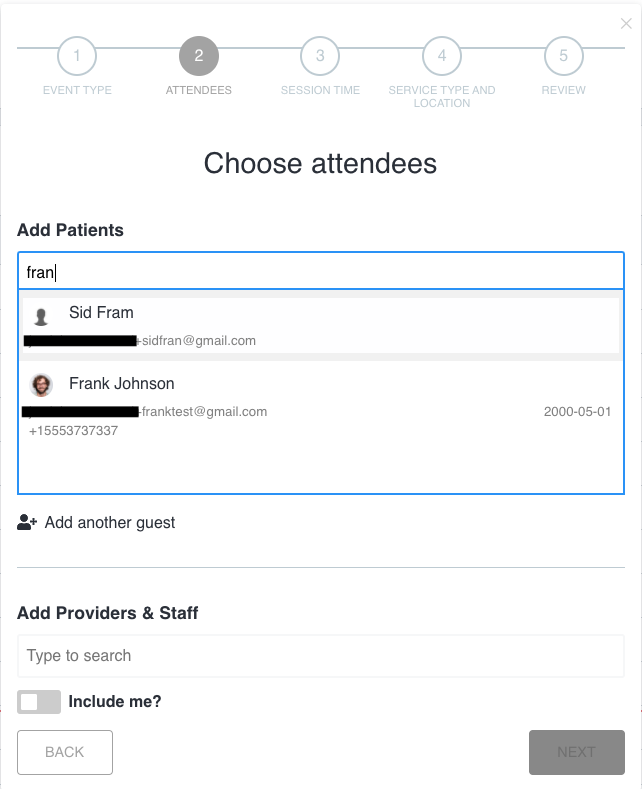
4. To add an attendee who is NOT a client of yours, click '+add another guest'.
5. Fill out the guest's email, first and last name, and indicate if they are a patient and if you wish to bill them.
6. At any point before a session, you can click on the session from the calendar and select 'Edit'. Here, you will be able to either remove or add attendees.
Comments
0 comments
Please sign in to leave a comment.