
This article explains the new changes in our video session UI. This update involves a couple of minor changes to our Video Session Experience, and does not include workflow changes.
These changes include:
Landing Screen
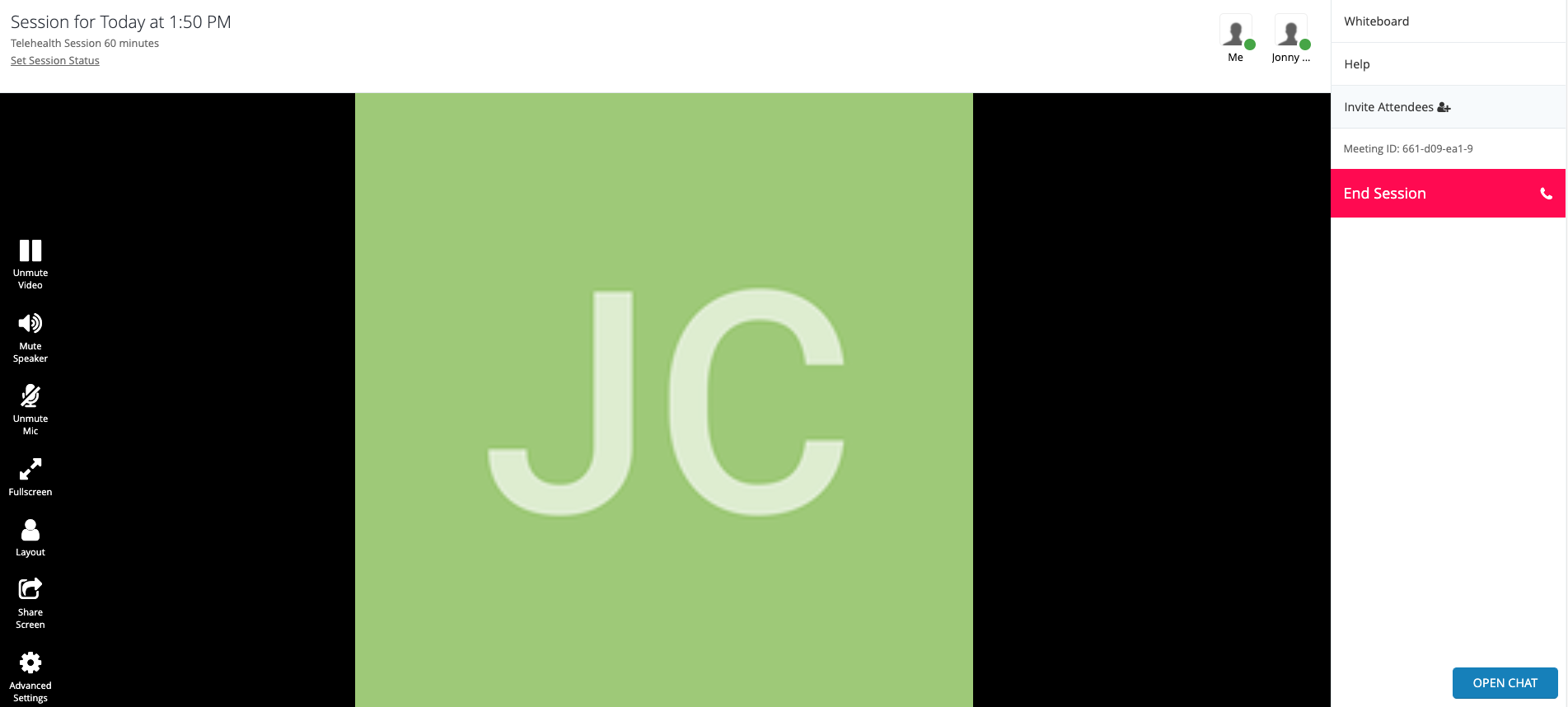
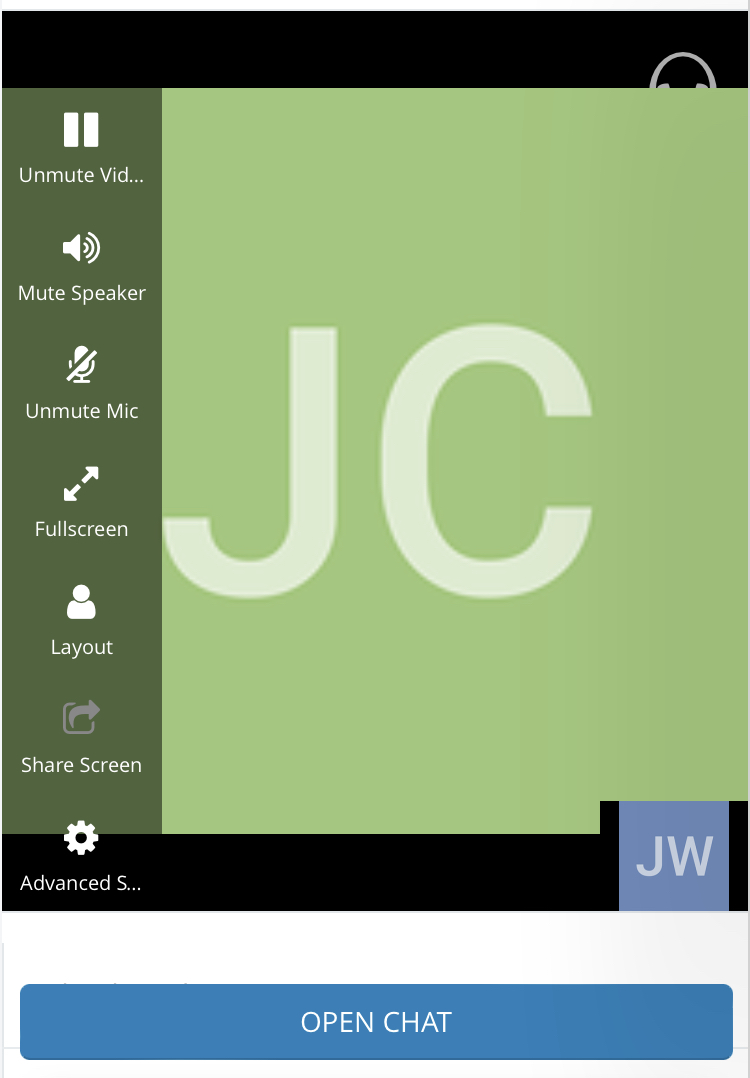
- If a provider or client joins the session and is the only user present in the session, they will no longer see the picture of clouds with a welcome message. Instead, they will see their own video feed.
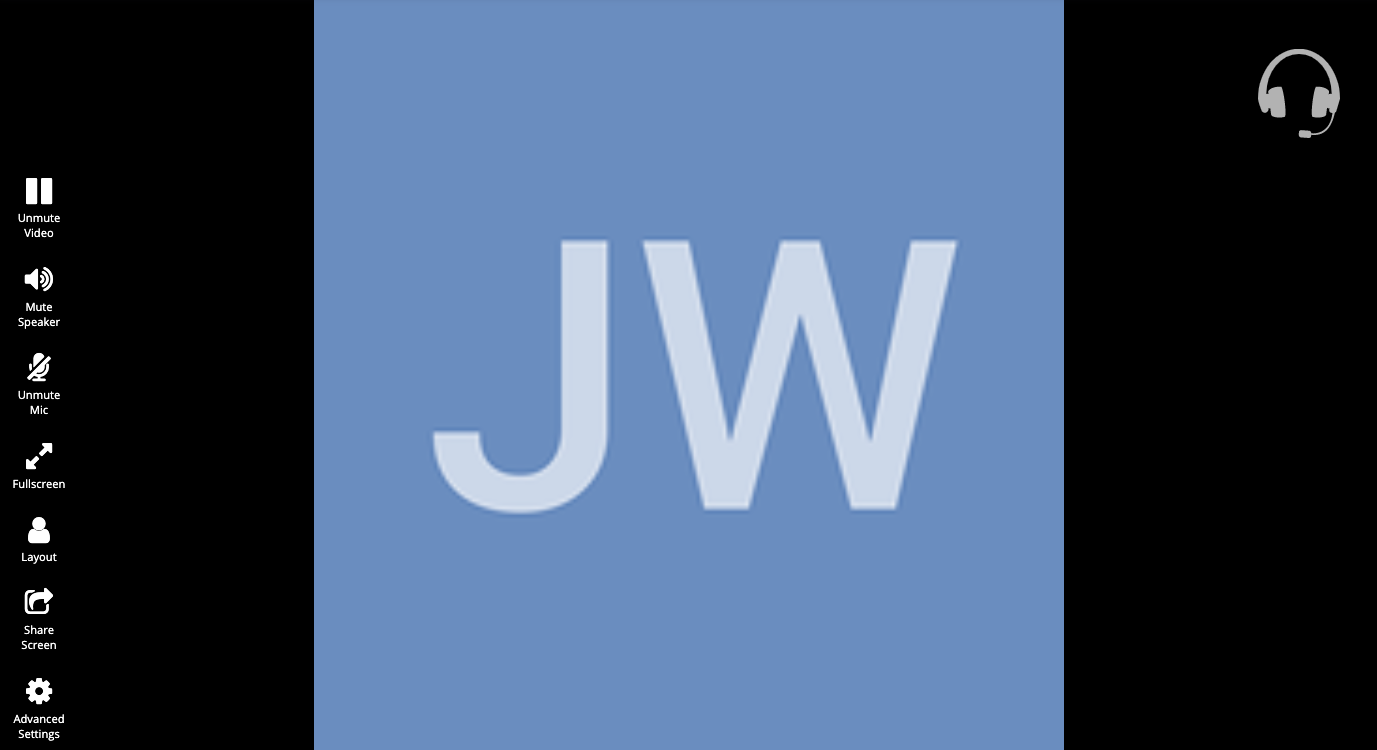
- If their video feed is muted, they will see their initials as shown in the following example:
- When another user joins, their video feed will fill the large screen, and your own video feed will appear in a box on the bottom right.
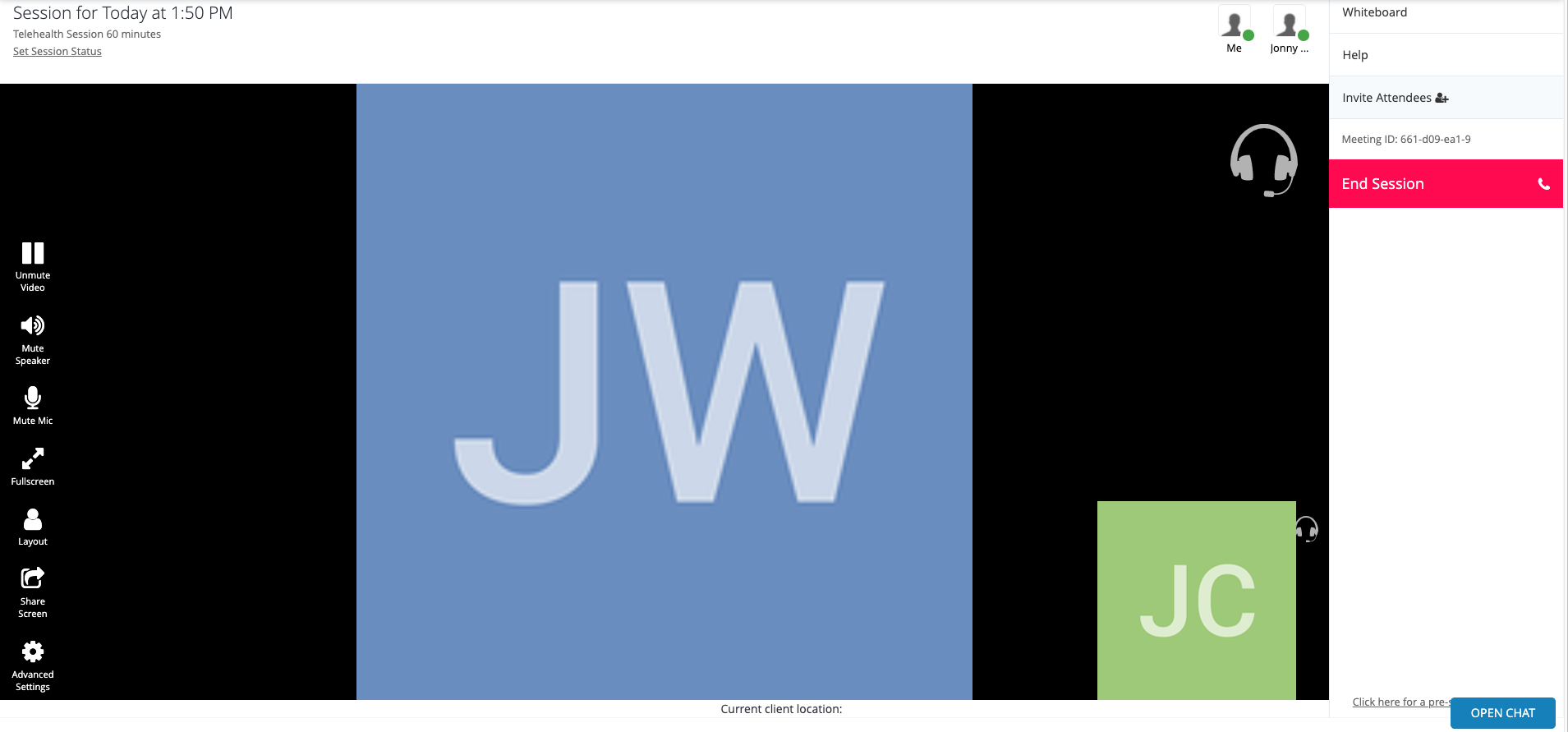
- Like in our previous video solution, you can tell who is online, and live by the icons on the top right of the video session.

Chat
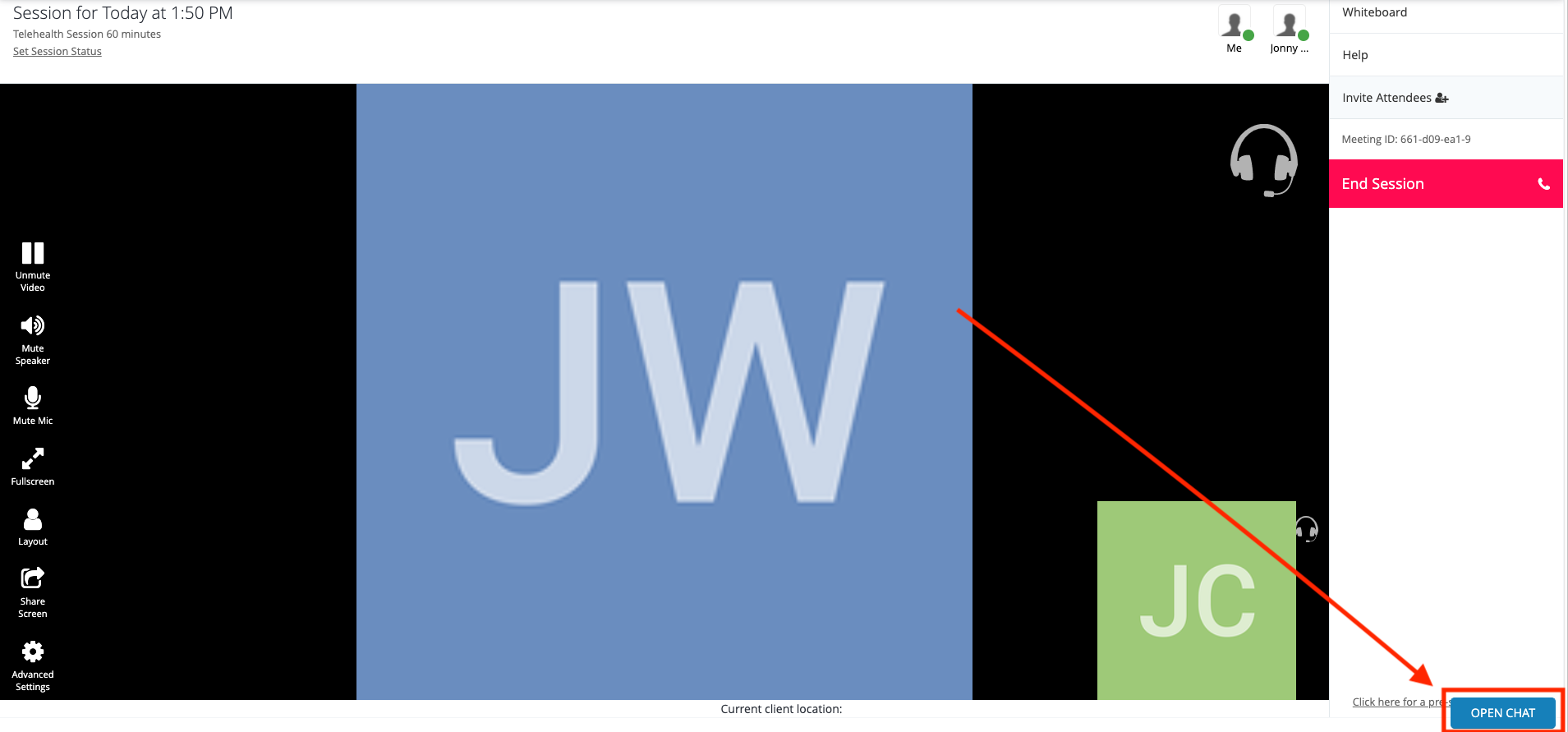
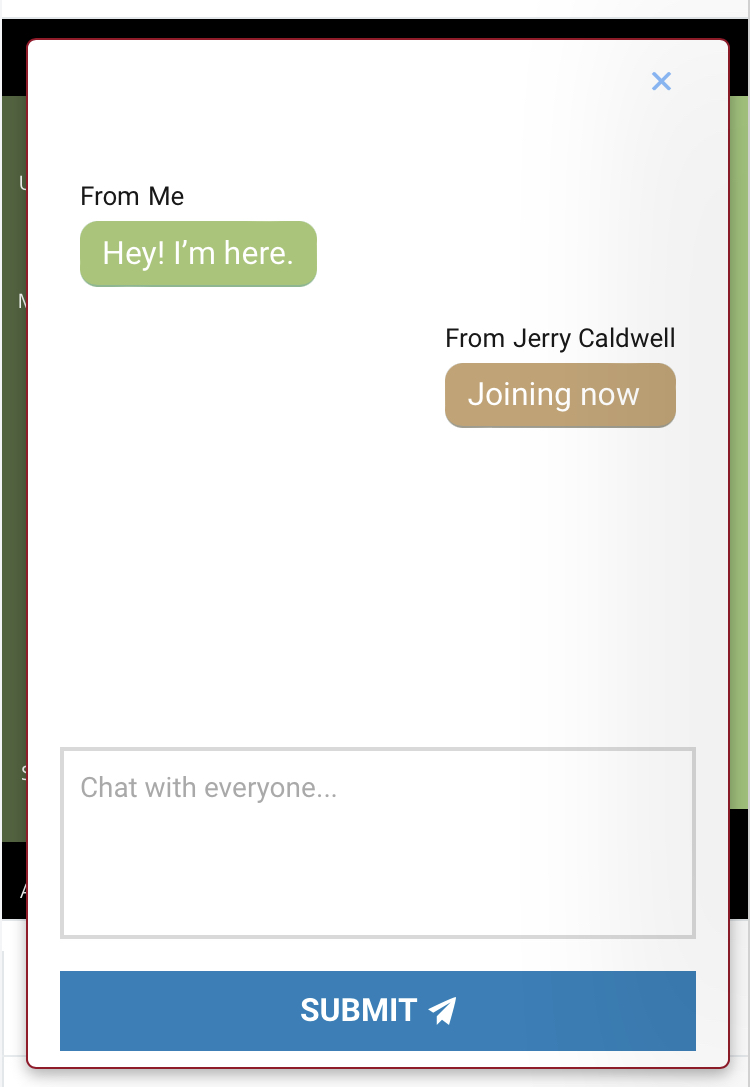
- This update includes an improved session chat feature located on the bottom right of the session
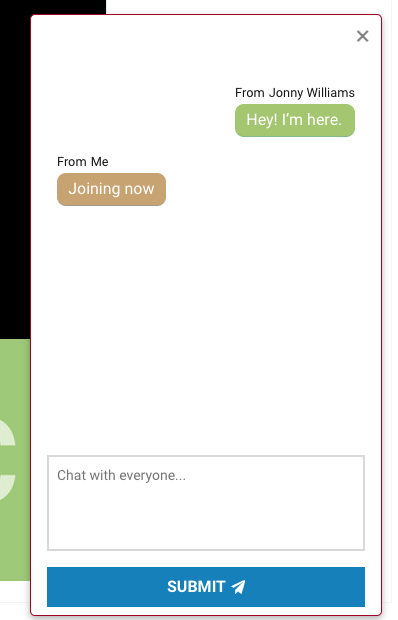
- User's on a mobile device can access the chat feature directly under the video feed.
Features
- In this update providers can no longer disconnect, or mute session participants from your video feed box on the bottom right of the session.
- All other features are still available from the lefthand menu in the video session.
Layouts
- Any user can change their own layout, including patients and guests, without changing the layout for the other participants in the session.
- Clicking the layout button will automatically change your layout to the next layout in rotation, and will not affect anyone else's layout in the session.
Layouts Include:
- Primary view with small self-view feed on bottom right
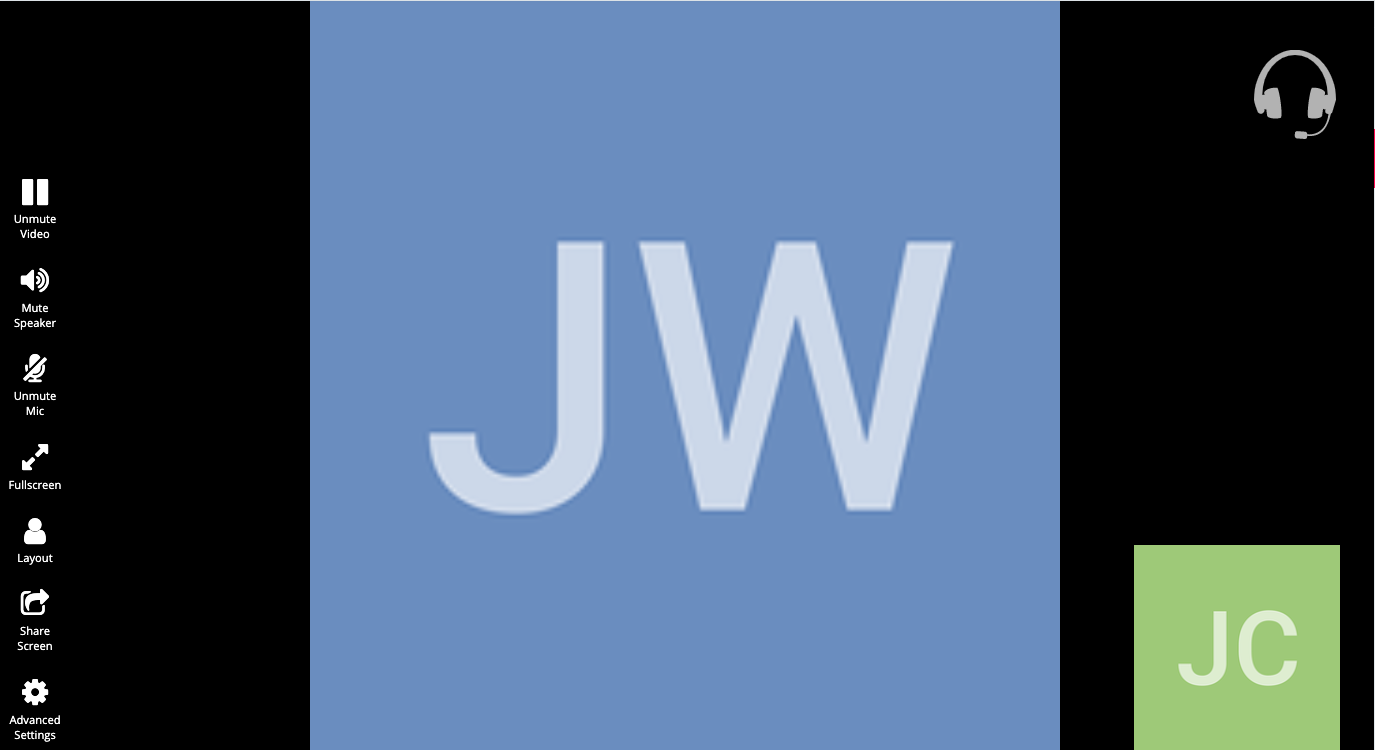
- Focus primary speaker with user camera feeds in tiles
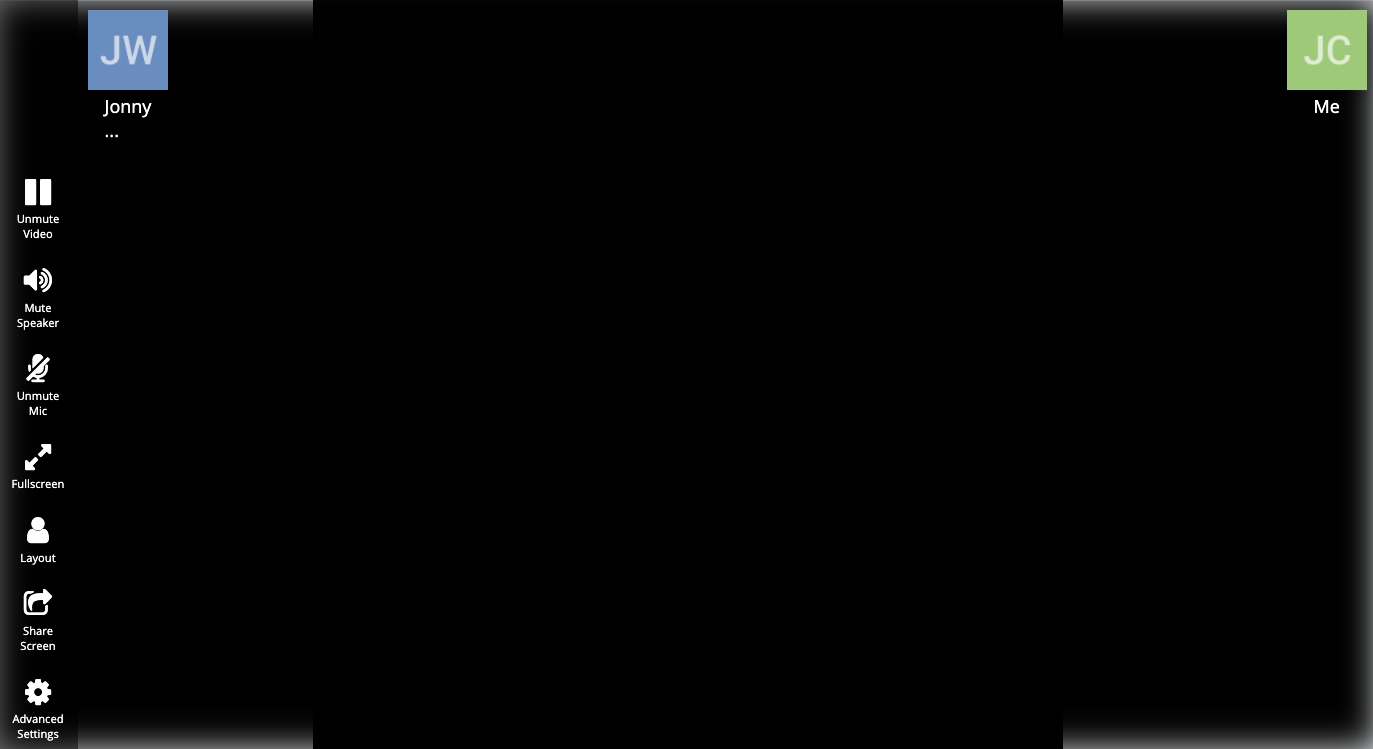
- Primary view with no self-view camera feed in bottom right:
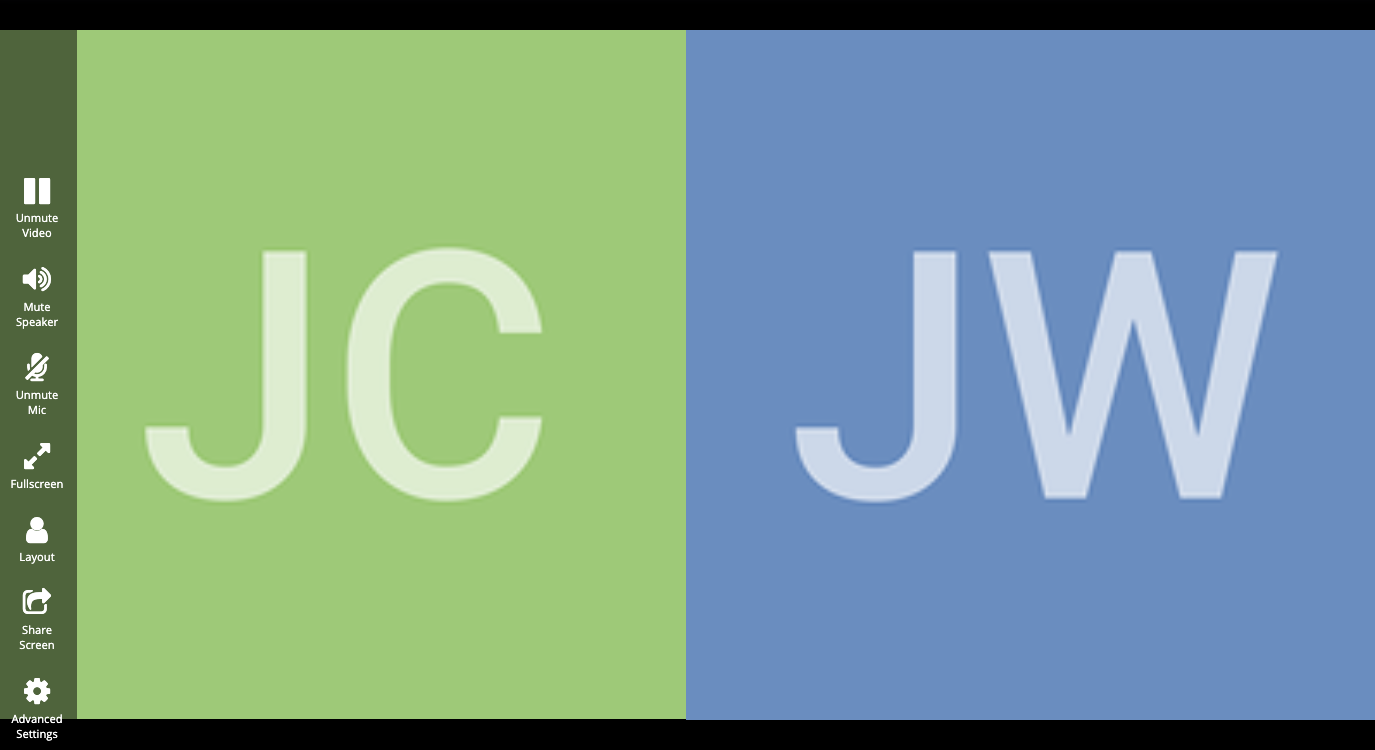
- Primary feed and self-view camera feed side by side.
Comments
2 comments
Your system has broken down. I just got a new password and cannot enter no matter how much "verification" has been completed.
Hello! I'm sorry to hear you are having issues with your password. I've opened a support ticket with you directly to troubleshoot this.
Thanks!
Please sign in to leave a comment.