
The Dial Out (H.323) function is only visible to the user types: providers, admins, and schedulers. This is most commonly used to call an interpreter for translation services during a video session.
*Note that this is not for calling a phone, but rather for a type of internet-based call to SIP devices.
- Click the Dial Out (H.323) button on the left side of a Video Session to open the Dial Out Model

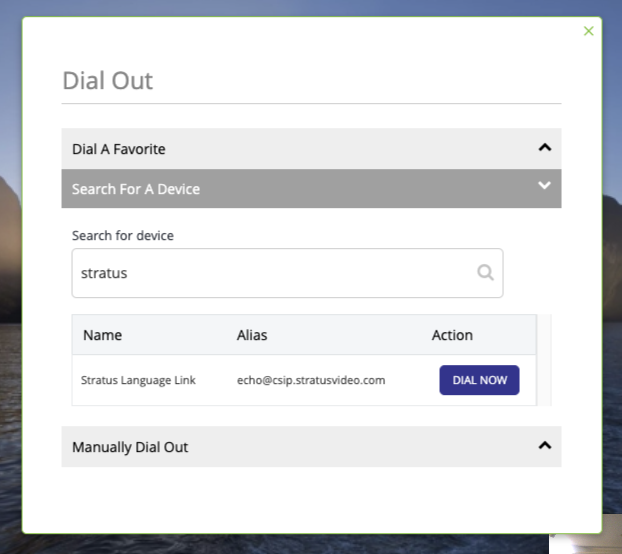
- Search For A Device allows you to search all of the SIP/H.323 devices added to your organization. For instance, type “Spanish” and then click Dial Now to reach a Spanish interpreter
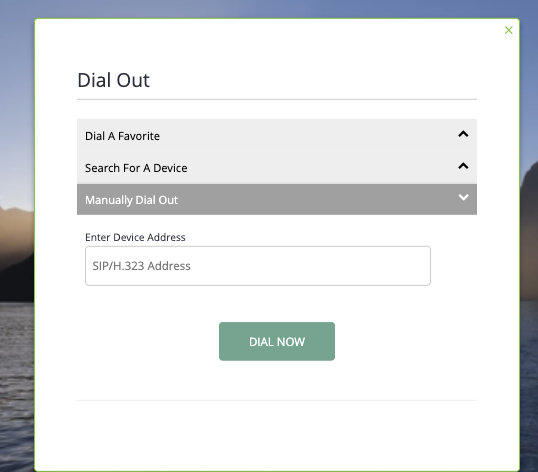
- Manually Dial Out allows the provider to enter the address of any device.
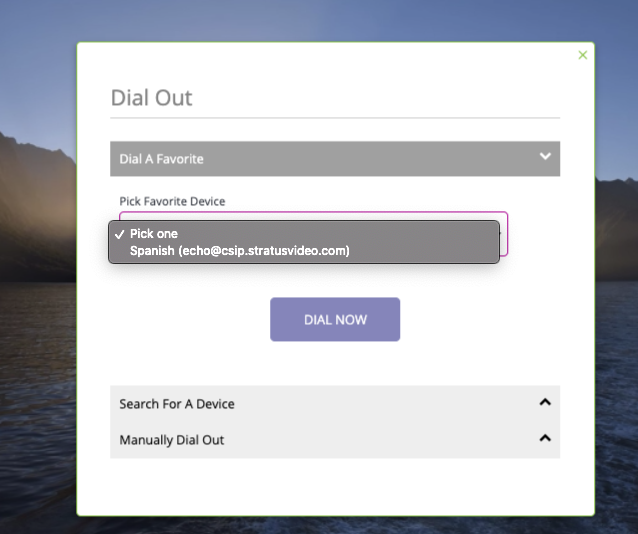
- Each provider can have a list of “Favorite” devices to quickly select from a dropdown. For example, using translation services, you could save the endpoints for common languages as favorites. Click here for instructions on saving favorites
Comments
0 comments
Please sign in to leave a comment.