
To access a client's session list for download/export:
1. Select "Manage Clients" tab (found on left side of portal)
2. Select the desired client's name
3. Select the "Session List" tab on the top below client's name
4. Click on "CSV" found between the Upcoming Sessions and Past Sessions list
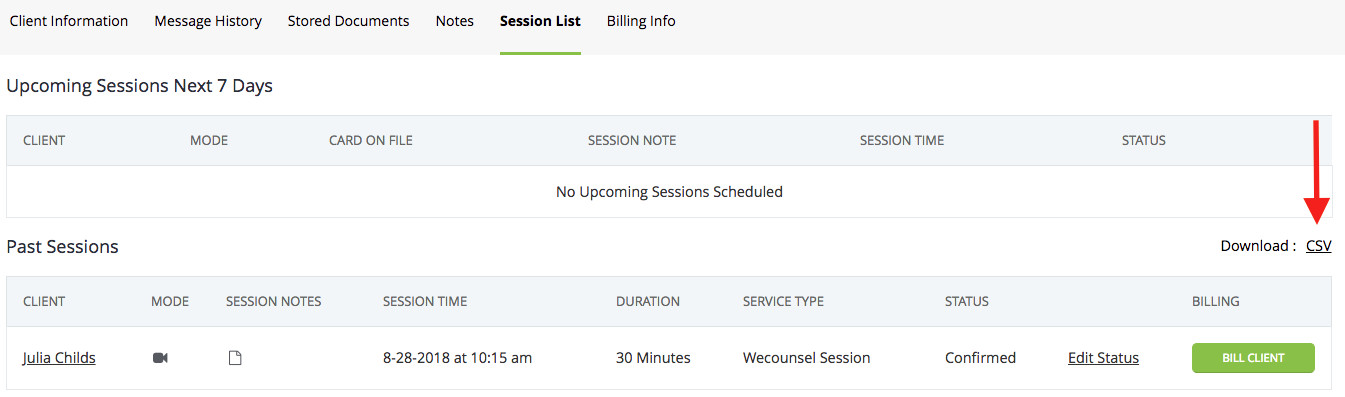
Please be aware, this will always download the client's complete past session history, and there is currently no way to edit the time from prior to download.
- You will need to remove the undesired information/edit the exported form after the download.
Comments
1 comment
When I try to download the client's session list, I get an excel document with every client's session list on it. I want to download only one client's session list. Is that possible?
Diana Walz
Please sign in to leave a comment.