-
This article explains how to issue a refund for a session as an Admin user type.
- Click on Organization Management
- Click on a specific organization or click View All Organizations
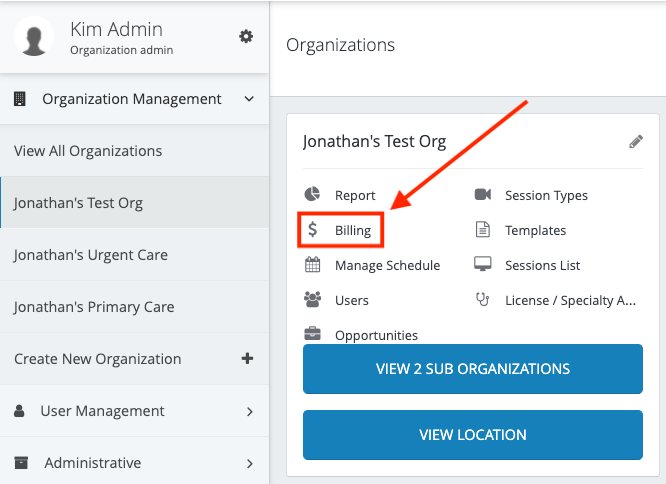
- Click Billing on the organization tile from the organization where the session happened.
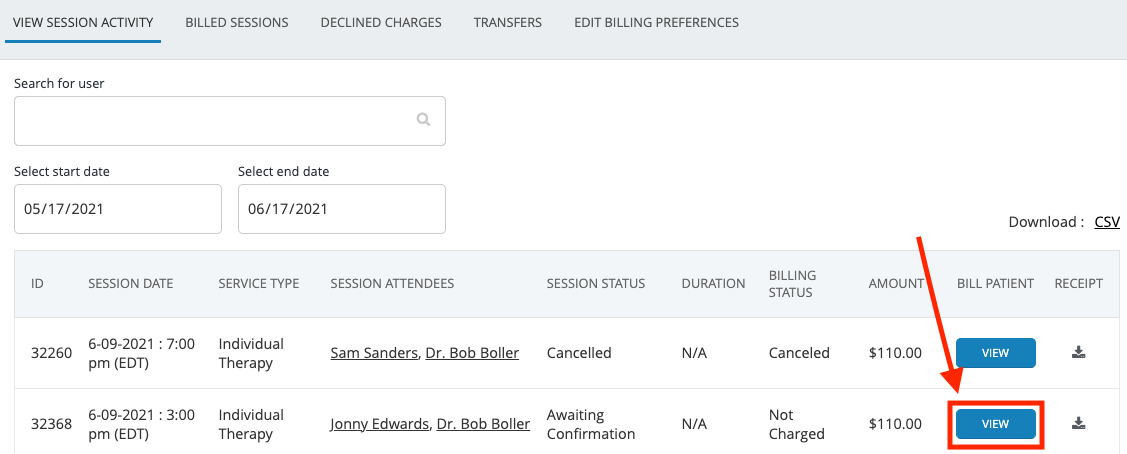
- Locate the session in question and click View
- Click View Charges
- Click Refund

Refund as an Admin

Comments
0 comments
Please sign in to leave a comment.