
The Message History tab will provide a comprehensive account of every message exchanged between the client and provider within the portal.
To access a client’s message history:
- Click Manage Patients from the menu on the lefthand side
- Click on the name of the patient
- Click Message History
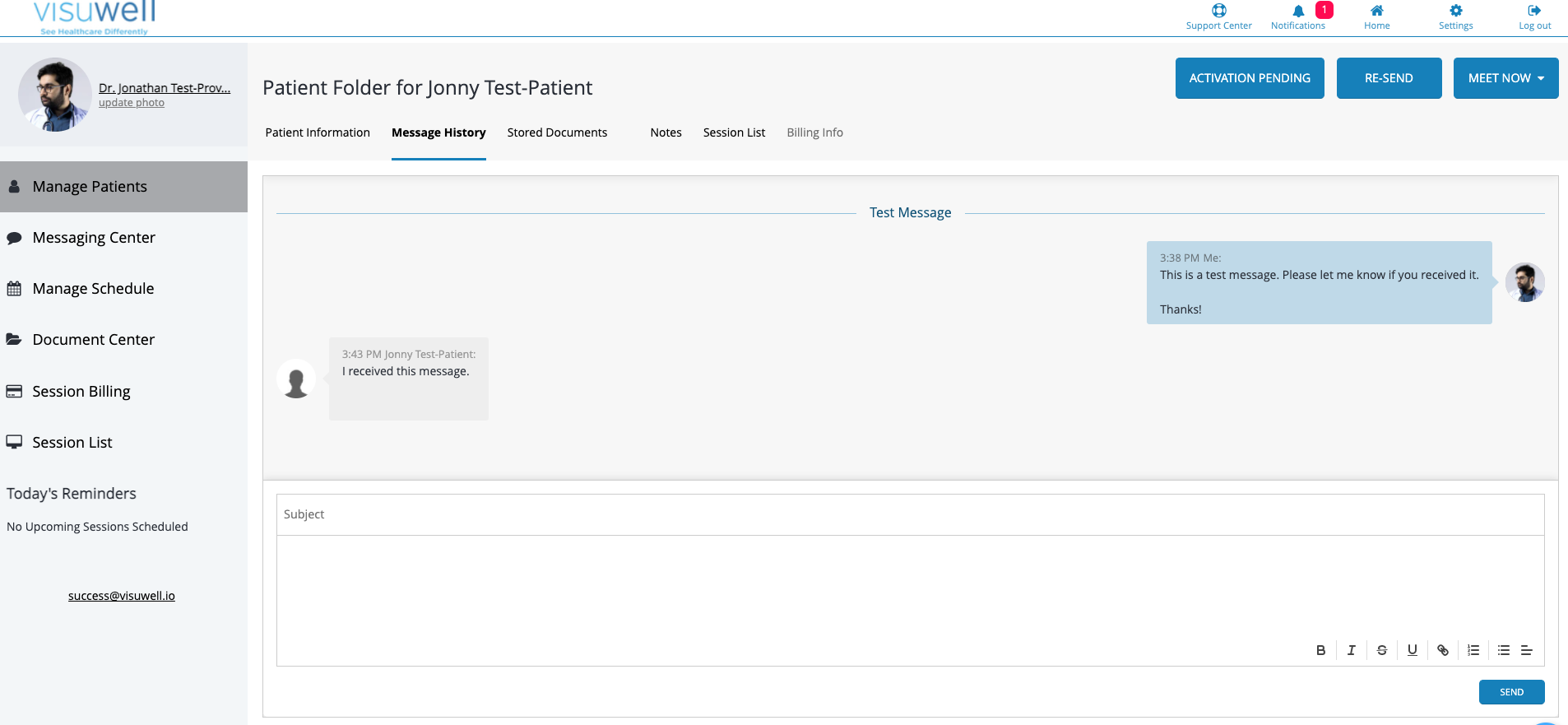
*Please Note: Message History does not include Chat Session History. To make a record of a conversation that occurred via Instant Chat, please copy the text and paste it into a note located in the Notes section of a client file.
Comments
0 comments
Please sign in to leave a comment.